Homepage Redesign
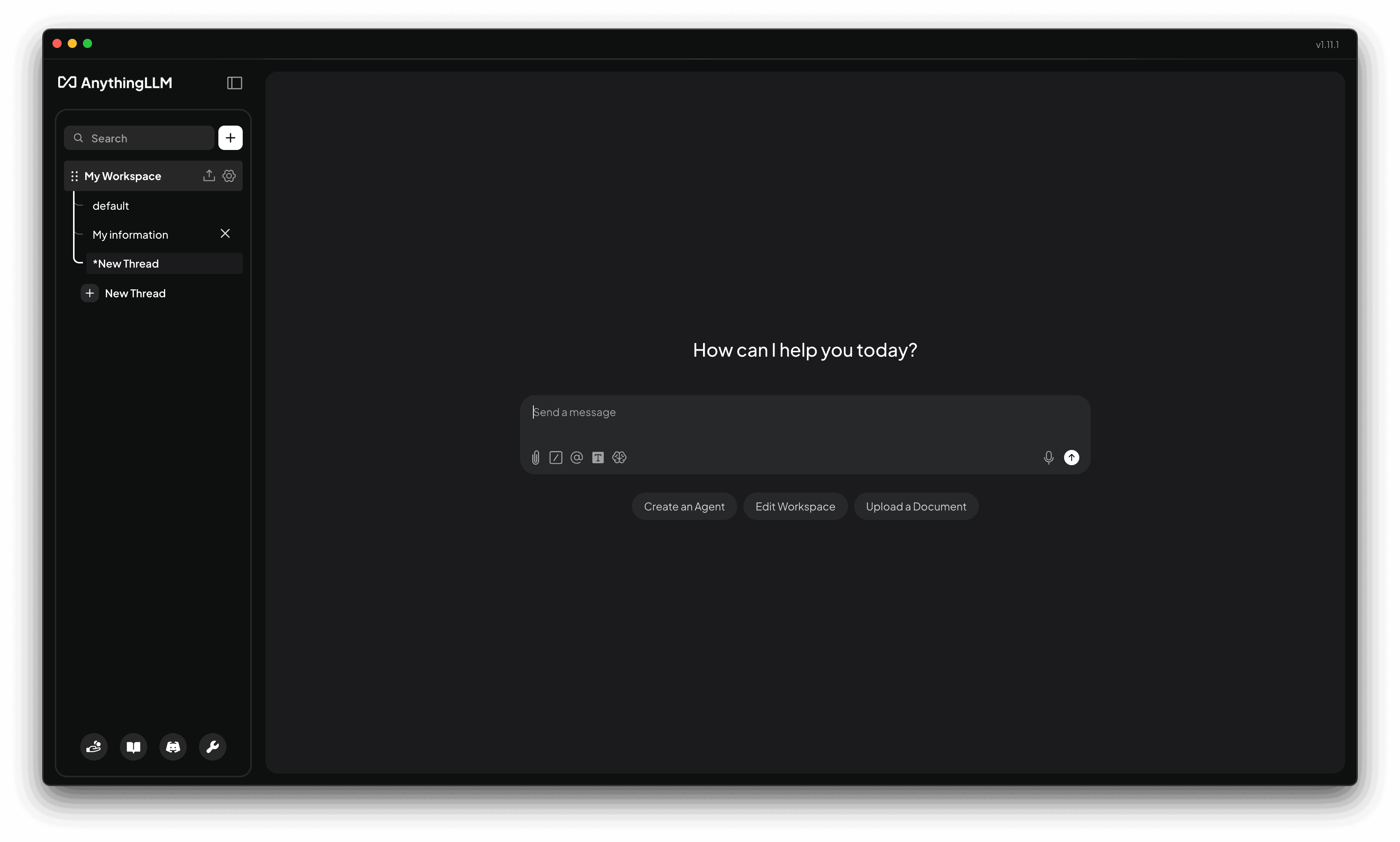
The main AnythingLLM homepage has been completely redesigned to be more modern and user-friendly so you can instantly start chatting the second you open the app after onboarding.
Native Tool Calling
Native tool calling is the best performance and experience for tool calling with your LLM provider and model. If you can enable it, you should.
this only applies to local LLM providers. It has no impact on cloud LLMs like OpenAI, Anthropic, or Azure.
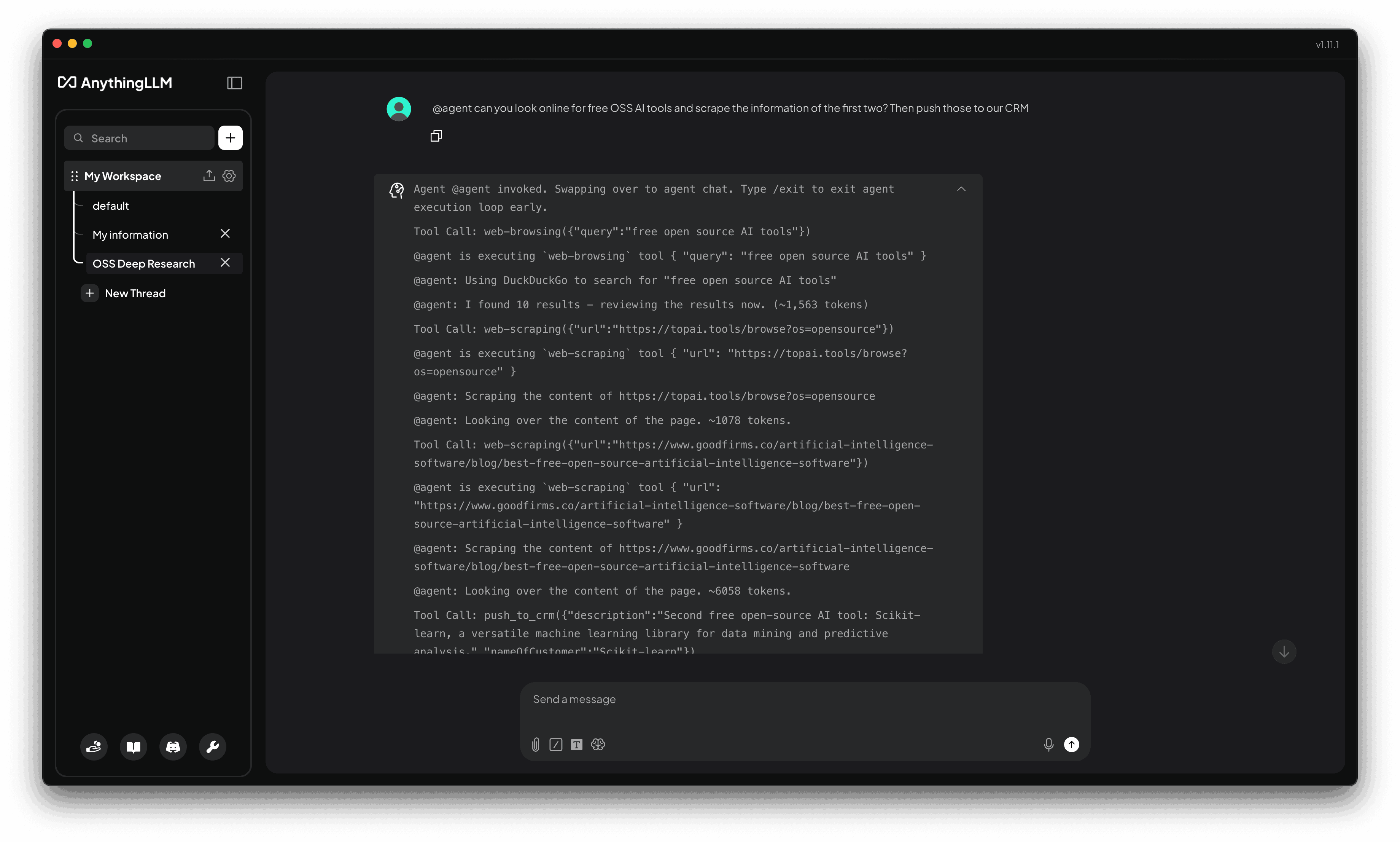
We have completely overhauled how @agent tool calling works. Now, we will leverage the new native tool calling abilities of your LLM provider and model.
What this means for you:
- You can now run complex, multi-step tool calls with your LLM provider and model.
- Your model will now continue to work until your final response is generated or determined to be complete.
- You will get 100x better responses from even small tool-calling models
We have implemented safeguards as well to prevent infinite loops with a maximum of 10 tool calls per response to prevent runaway tasks.
Limitations
Most providers do not allow us to probe for if a model supports native tool calling.
The following local LLM providers will automatically support native tool calling if your model supports it:
- Default Built in LLM Provider (AnythingLLM Default)
- Ollama
- LM Studio
For others, you will need to set an ENV variable to enable native tool calling for supported providers.
- Generic OpenAI
- Groq
- AWS Bedrock
- Lemonade
- LiteLLM
- Local AI
- OpenRouter
This can be set via the PROVIDER_SUPPORTS_NATIVE_TOOL_CALLING environment variable.
PROVIDER_SUPPORTS_NATIVE_TOOL_CALLING="bedrock,generic-openai,groq,lemonade,litellm,local-ai,openrouter"Meeting Assistant Overhaul
We have completely overhauled the Meeting Assistant to make it smaller, faster, and more efficient across all devices and platforms. Featuring a full Rust rewrite of the core meeting transcription and processing pipeline you should now see significant changes in the performance and bundle size of the Meeting Assistant.
Model & Engine Migration
This new engine is so small (97% smaller) that AnythingLLM will automatically delete the old engine to free up space on your system. The new engine is now built-into the application itself.
The new engine also now moves to a more efficient and flexible model runtime. This means you will need to re-download the Parakeet model on your next transcription. AnythingLLM will automatically remove the old model to free up space on your system.
Lemonade by AMD Integration
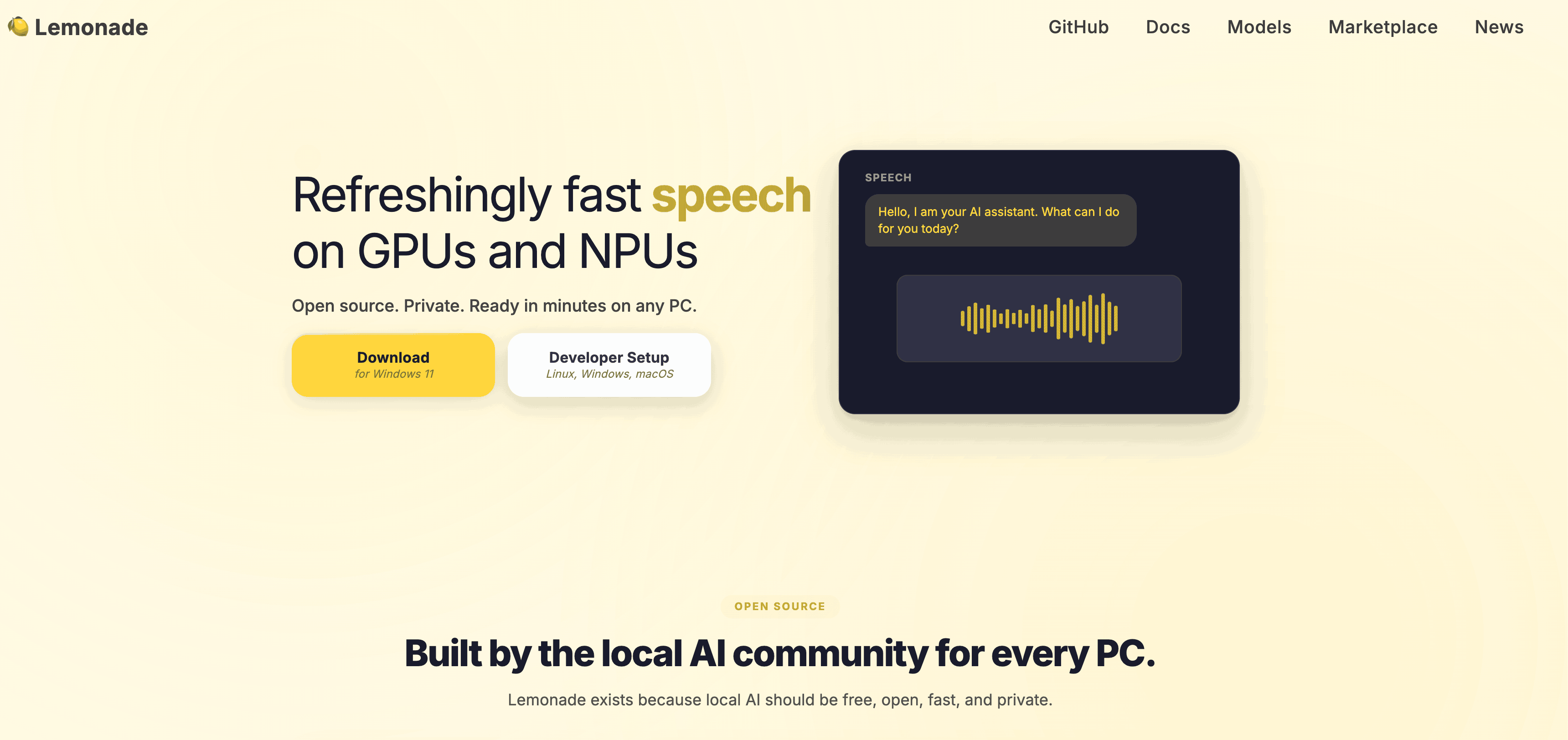
Lemonade (opens in a new tab) by AMD is an open-source (opens in a new tab) local model runtime that optimizes performance and efficiency for local models (LLM, ASR, TTS, Image Generation, etc.) for all types of hardware including AMD GPUs and NPUs.
We have added first class support so you can use your local models running via Lemonade within AnythingLLM for the best application experience on top of your local hardware.
Other Improvements
- New
systemtheme support that will inherit the system theme for the UI. - Lightmode sidebar UI updates.
Bug Fixes
- Fix light mode/vibrancy issue on MacOS where Meeting Assistant was not visible.
- Resolve issue where
codesignwould show bundle signature warning after first launch for MacOS. - CMD+Arrow keys disabled on prompt focus to prevent chat history moving around.
- Gemini 400 error on tool calls
- Fix issue with Ollama strict num_ctx type conversion error.
- Fix issue with GitLab infinite loop for some repositories.
Pinned Download Links
Revision 1.11.1:
- Mac (x86_64) Download (opens in a new tab)
- Mac (Apple Silicon) Download (opens in a new tab)
- Windows Download (opens in a new tab)
- Windows (ARM) Download (opens in a new tab)
- Linux (x86_64) Download (opens in a new tab)
- Linux (ARM64) Download (opens in a new tab)