File System Agent
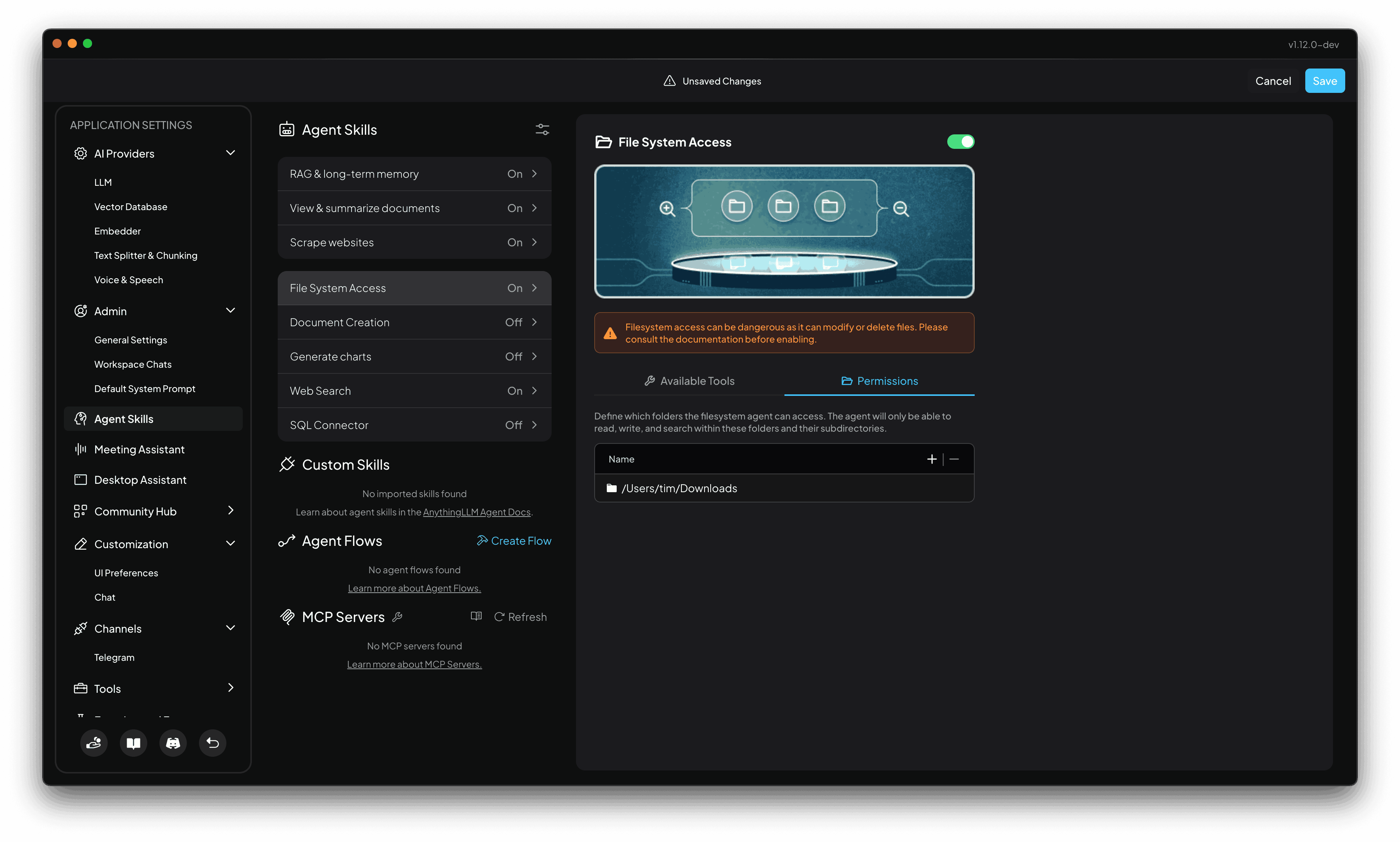
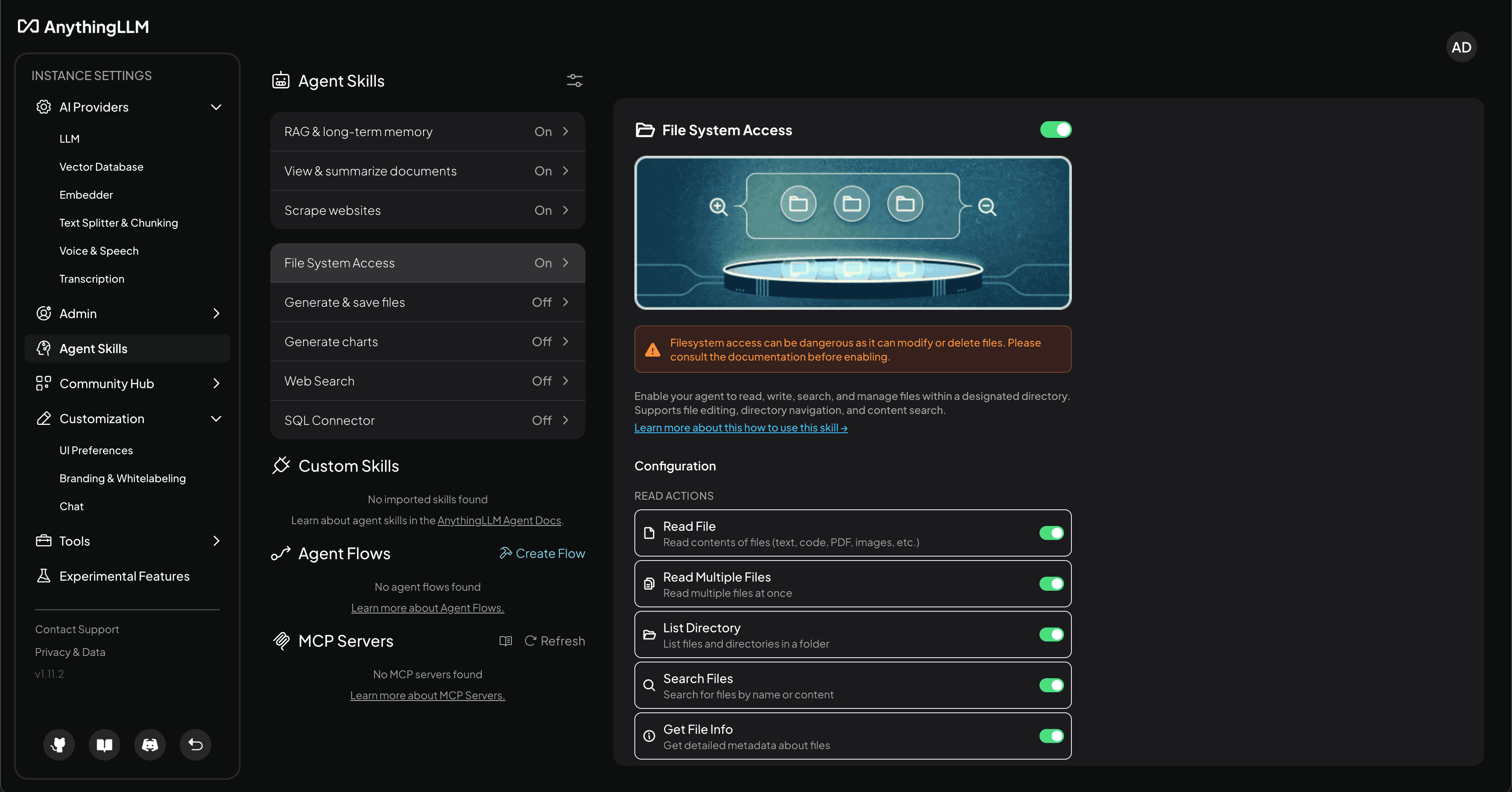
The file search agent is a skill that you can leverage to search for files across your entire filesystem on the host machine or specific folders you allow it to search.
By default, this skill is disabled and you can granularly choose which folders you want the agent to have read/write access to in the Configuration menu.
Docker setup
On Docker, you must bind volumes to the container to the /app/server/storage/anythingllm-fs/ directory. The file search tool will not search outside of this directory to prevent any security risks or unauthorized access to your host machine.
This is easy to do by simply modifying the startup command to include the following:
export STORAGE_LOCATION=$HOME/anythingllm && \
mkdir -p $STORAGE_LOCATION && \
touch "$STORAGE_LOCATION/.env" && \
docker run -d -p 3001:3001 \
--cap-add SYS_ADMIN \
-v ${STORAGE_LOCATION}:/app/server/storage \
-v ${STORAGE_LOCATION}/.env:/app/server/.env \
# This is an example of binding a volume to the container to
# the /app/server/storage/anythingllm-fs directory as subfolders.
-v /home/ubuntu/Documents:/app/server/storage/anythingllm-fs/docs
-v /home/ubuntu/Downloads:/app/server/storage/anythingllm-fs/downloads
-v /home/ubuntu/special-folder/subfolder:/app/server/storage/anythingllm-fs/special-folder
# ... and so on and so forth.
# You can also use suffixes to make a folder read-only at the OS level.
-v /home/ubuntu/readonly-folder:/app/server/storage/anythingllm-fs/readonly:ro
-e STORAGE_DIR="/app/server/storage" \
mintplexlabs/anythingllm
Changing files in the host will automatically be reflected and available to the agent since it is a bound volume.
Desktop setup
Note The file system agent is a available as a feature in AnythingLLM v1.12.0+
On Desktop, you will have a Permissions section in the skills config panel that allows you to grant the agent access to specific folders on your host machine. The permissions are applied to the entire folder and subfolders for both read and write access.
By default, the file system agent has no access to any folders. You will need to grant access to the folders you want the agent to have access to.